5 Best Custom GPT Alternatives in 2026 (Now That Personal Plans Can't Build GPTs)
OpenAI now limits Custom GPT creation to workspace plans. Here are the five real alternatives - agent skills, Claude Projects, Gemini Gems, Copilot agents, and GPTs on a workspace plan - compared, plus how to migrate a GPT in half an hour.
AgentVolt · · 7 min read
Why this matters
For two years, "build a Custom GPT" was the default answer to "how do I make ChatGPT do my thing." Then the rules changed. OpenAI's help documentation now states that creating and publishing GPTs is available in Business, Enterprise, and Edu workspaces; personal Free, Go, Plus, and Pro accounts can use existing GPTs but cannot build new ones. If you are a solo operator, a creator, or a small team on a personal plan, the tool you were told to use is no longer yours to use.
The good news is that the alternatives are better than the original for most people, because they are not locked to one chat app. This guide compares the five real Custom GPT alternatives in 2026 - what each one holds, where it works, who can create it, and which to pick for your situation.
What a Custom GPT actually was
Before the comparison, it helps to be precise about what you are replacing. A Custom GPT bundled three things: instructions (a persona and rules), knowledge (up to 20 uploaded files), and optional actions (API connections). It lived inside ChatGPT, could be shared by link, and, briefly, could be listed in a store.
Most people used it for one of two jobs: a procedure ("rewrite my emails this way") or a knowledge base ("answer questions about my product docs"). The alternatives below split along that line, and the best setup for most people is one tool for each job.
The 5 best Custom GPT alternatives in 2026
1. Agent skills (SKILL.md)
Type: portable procedure Works in: Claude, Claude Code, ChatGPT and Codex, Cursor, GitHub Copilot, Gemini CLI, and 40+ other agents Who can create: anyone, no plan restriction, no code
An agent skill is a folder containing a SKILL.md file: a short name-and-description header and Markdown instructions the agent follows when a task matches. It is the closest thing to the "instructions" half of a Custom GPT, with two differences that matter. It loads only when relevant, so you can keep dozens installed without them fighting. And it is an open standard - the same file works in Claude, in OpenAI's own Codex, in Cursor, and everywhere else, so you are never rebuilding it when you switch tools.
Skills are the right replacement for any GPT whose value was a procedure: a writing style, a review checklist, a workflow. Marketplaces like AgentVolt offer 1,000+ ready-made ones - Cold Email Refiner, Meeting Notes Synthesizer, Stop Slop Skill - or you can write your own in about twenty minutes with our SKILL.md guide.
Weakness: a skill does not hold a knowledge base. For that, pair it with one of the next two.
2. Claude Projects
Type: workspace with knowledge base Works in: the Claude app Who can create: any Claude user; free accounts get up to five
A Claude Project is a self-contained workspace with its own chat history, uploaded documents, and project-level instructions. When the knowledge base gets large, Claude switches to retrieval to extend capacity up to ten times. It is the "knowledge" half of a Custom GPT, done well, and skills you have installed fire inside it automatically.
Best for: the GPT you built to answer questions about a specific body of material. Weakness: Claude-only, and sharing requires Team or Enterprise.
3. Gemini Gems
Type: custom assistant Works in: Google Gemini Who can create: Gemini users
A Gem is Google's version of the same idea: a custom assistant with detailed instructions defining its persona, tasks, and response format, plus uploaded files from Docs, Drive, PDF, or Word for context. If your work lives in Google Workspace, Gems have the advantage of sitting next to your documents.
Best for: Google Workspace users who want a persona-plus-files assistant. Weakness: Gemini-only, and the instructions do not travel to any other agent.
4. Microsoft 365 Copilot agents (Agent Builder)
Type: declarative agent for the enterprise Works in: Microsoft 365 Copilot Who can create: Microsoft 365 users, with knowledge sources and capabilities varying by license
Agent Builder lets you create an agent in natural language with instructions (up to 8,000 characters), up to 20 knowledge sources such as SharePoint sites, folders, and files, and capabilities like code interpreter. For organizations already on Microsoft 365, it is the sanctioned way to build the GPT-equivalent inside the corporate tenant.
Best for: teams in Microsoft-managed environments. Weakness: enterprise-oriented, license-dependent, and not portable.
5. Custom GPTs on a workspace plan
Type: the original Works in: ChatGPT Who can create: Business, Enterprise, and Edu workspaces
If your organization is on a ChatGPT workspace plan, you can still build GPTs, and for a shareable chatbot inside ChatGPT they remain a good option. But even here the ground has shifted: OpenAI's own Codex adopted the SKILL.md standard, so the portable way to give OpenAI's coding agent a procedure is now a skill, not a GPT.
Best for: workspace-plan teams that need a shareable chatbot inside ChatGPT specifically. Weakness: unavailable on personal plans, and locked to one app.
Side by side
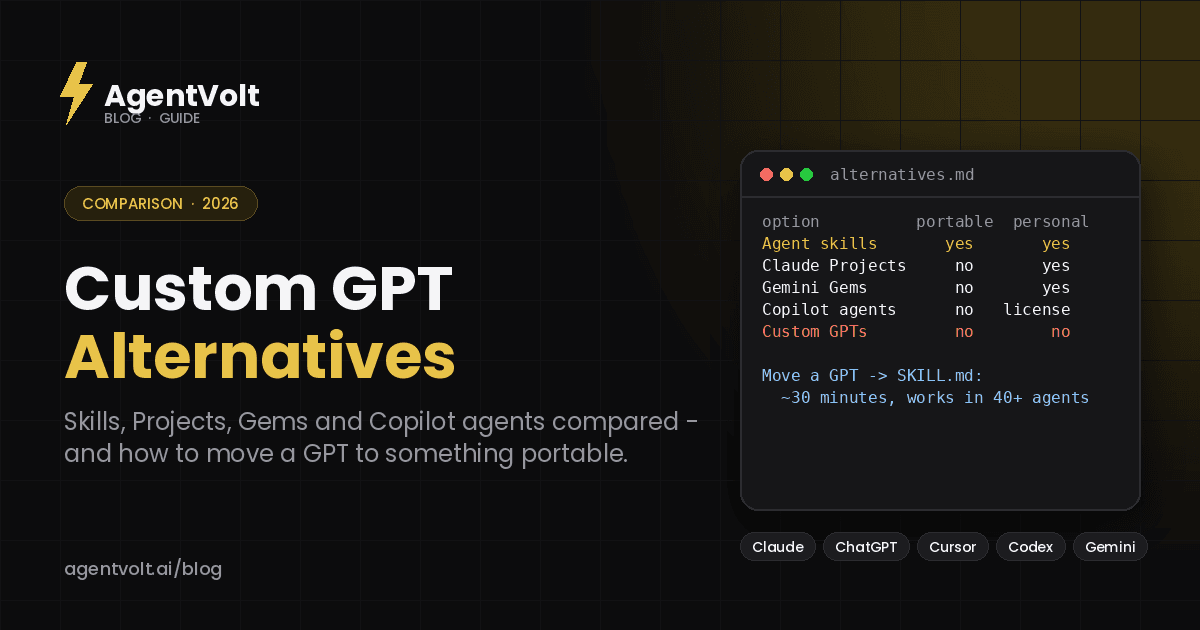
| Agent skills | Claude Projects | Gemini Gems | Copilot agents | Custom GPTs | |
|---|---|---|---|---|---|
| Holds instructions | Yes | Yes | Yes | Yes (8,000 chars) | Yes |
| Holds knowledge files | Via references, small | Yes, with retrieval | Yes | Up to 20 sources | Up to 20 files |
| Portable across agents | Yes, 40+ | No | No | No | No |
| Personal plans can create | Yes | Yes | Yes | License-dependent | No |
| Open standard | Yes | No | No | No | No |
| Shareable | Copy folder, repo, or marketplace | Team/Enterprise | Yes | Within tenant | Within workspace |
Which one should you pick?
Ask what your GPT was for.
If it was a way of doing something - a voice, a checklist, a procedure - rebuild it as a skill. You get it back in every agent at once, including ChatGPT's Codex, and you never rebuild it again.
If it was a knowledge base - product docs, a research corpus, a client's files - put the files in a Claude Project or a Gem, depending on where you work, and install skills alongside for the procedures.
If it was a chatbot for other people and you are on a workspace plan, keep the GPT. If you are on a personal plan, a skill plus a shared Project is the closest substitute, and for an audience-facing product a marketplace like AgentVolt gives you a branded page that people can install from.
How to migrate a Custom GPT to a skill
Open the GPT's configuration and copy out the instructions. Paste them into a SKILL.md body under numbered steps, add a one-line description that says when to use it, add an output template if the GPT had a format, and save it in a folder with a lowercase hyphenated name. Install it in your agent - our install guide has the path for each. Most migrations take under half an hour, and the result works in more places than the original did.
Knowledge files go into a Project or a Gem, or into a references/ folder inside the skill if they are small and the skill needs them every time.
Frequently asked questions
Can I still create Custom GPTs on ChatGPT Plus?
According to OpenAI's help documentation as of this writing, no - creating and publishing GPTs requires a Business, Enterprise, or Edu workspace. Personal plans can use GPTs that already exist. Check OpenAI's current docs, since this has changed before.
What is the closest free alternative to Custom GPTs?
Agent skills. They are Markdown files, cost nothing to create, and work in Claude on every plan (including Free) as well as in Codex, Cursor, Gemini CLI, and 40+ other agents. Claude Projects are also available on the free plan, up to five.
Do agent skills work in ChatGPT?
They work in OpenAI's Codex - the CLI, IDE extension, and Codex app - which adopted the SKILL.md standard. OpenAI's documentation does not currently describe installing custom skills inside the ChatGPT chat interface itself.
Which alternative is best for sharing with a team?
For a team on one platform, that platform's native option (Projects on Claude Team, Copilot agents on Microsoft 365). For a team across platforms, or for an audience, skills - because everyone can install the same file regardless of which agent they use.
Rebuild once, use everywhere
The restriction on Custom GPTs is inconvenient, but the migration usually ends with something better: a procedure that follows you across every agent instead of living in one. Copy the instructions out, turn them into a skill, and put the files somewhere with real retrieval.
Browse ready-made skills on AgentVolt - 1,000+ reviewed, security-scanned procedures that install in Claude, Codex, Cursor, and 40+ other agents.
Skills in this post
Every one is included with AgentVolt Pro.
Cold Email Refiner
Rewrites your cold email to be tighter, more direct, and far less likely to read as spam.
Meeting Notes Synthesizer
Turns a raw meeting transcript into clean action items, each with an owner and a due date.
Stop Slop Skill
Kills the AI-writing tells in Claude's output so text doesn't read as generic AI slop.